
To run the IPTVON service on your Roku, simply download ibo Player Pro App from your Roku Channel Store or Caste from your Smartphone to your TV.
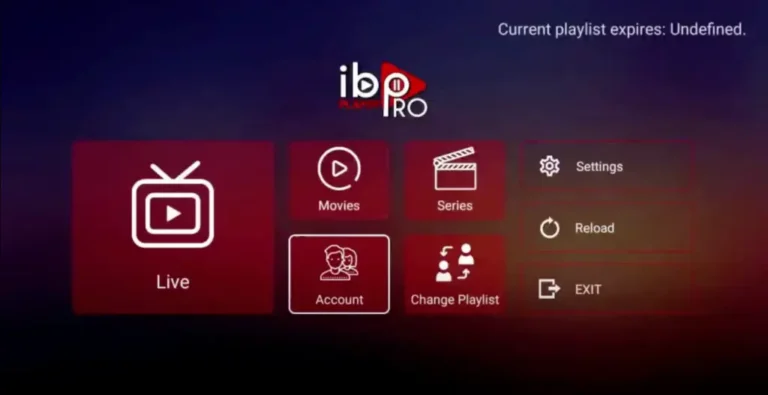
Step 1: Go to the Roku Channel Store. Search for “IBO Player Pro.” Select “Add Channel” to install it.

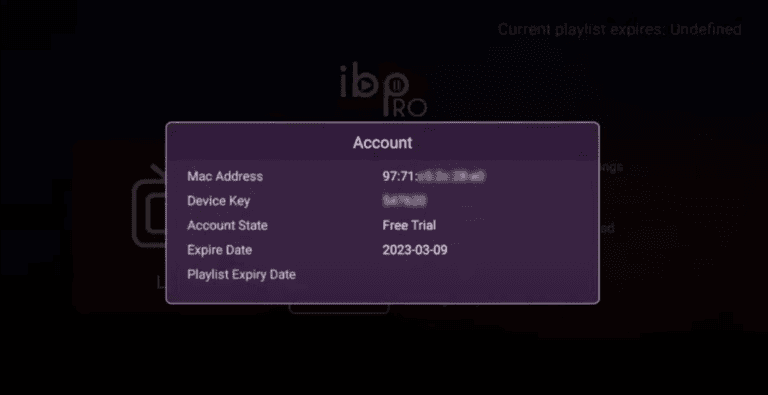
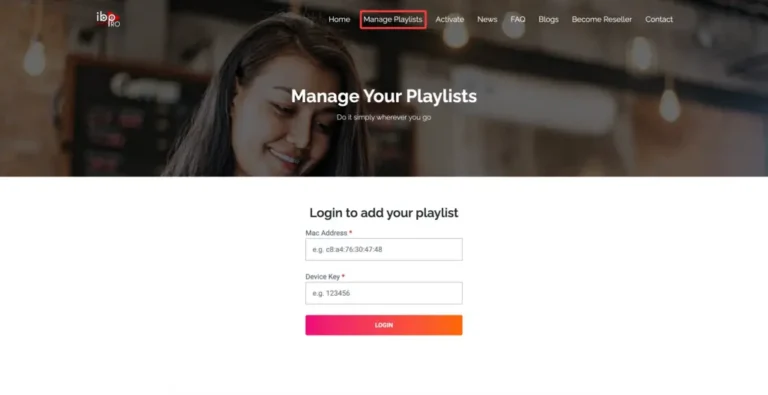
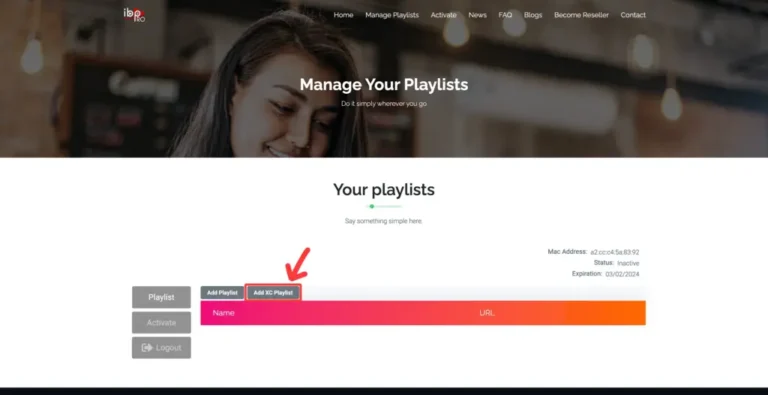
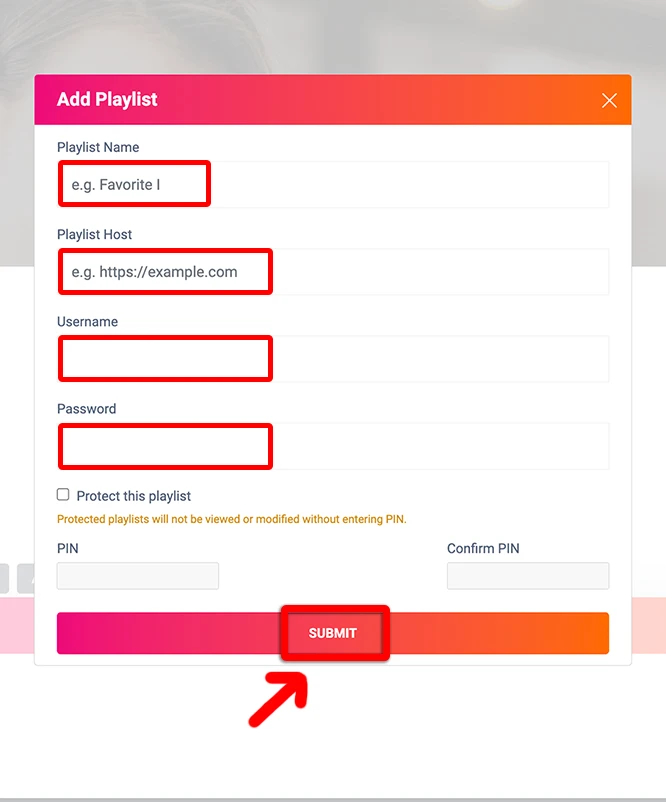
Step 2: Open the App and Click on “Account” to see an activation screen displaying a unique activation code (MAC Address and Device Key).
There is another way to enjoy IPTVON. You’ll need to have either an Android or iOS device and install the Web Video Cast app on it. This application is available in the Google Play Store and the Apple App Store.
These instructions will get you up and running quickly: