Tutorial for Windows

Here's a tutorial to set up the IPTV app (IPTV Smarters Pro) on Windows from scratch, Easy steps!

To begin using the IPTVON service on your Windows Computer, simply follow the steps below:

1. Click on this link in order to install IPTV smarters Pro App.

https://www.iptvsmarters.com/download?download=windows_app

Configuring the IPTV Smarters Pro application to stream live channels and VOD with iptvon services.
Quick Setup: IPTV Smarters Pro Configuration

There are two ways to do this. Either using the Xtream Codes API (Username, Password and server Address) or using the M3u playlist. For a smoother setup experience, we recommend setting up via Xtream Codes API as it offers an integrated EPG system to enhance your streaming experience.

Step 1: Open the app once downloaded and click on “Add user” then click on “Login with Xtream Codes API“.

Setting up a streaming subscription on the iptvon app using Xtream Codes API login credentials.

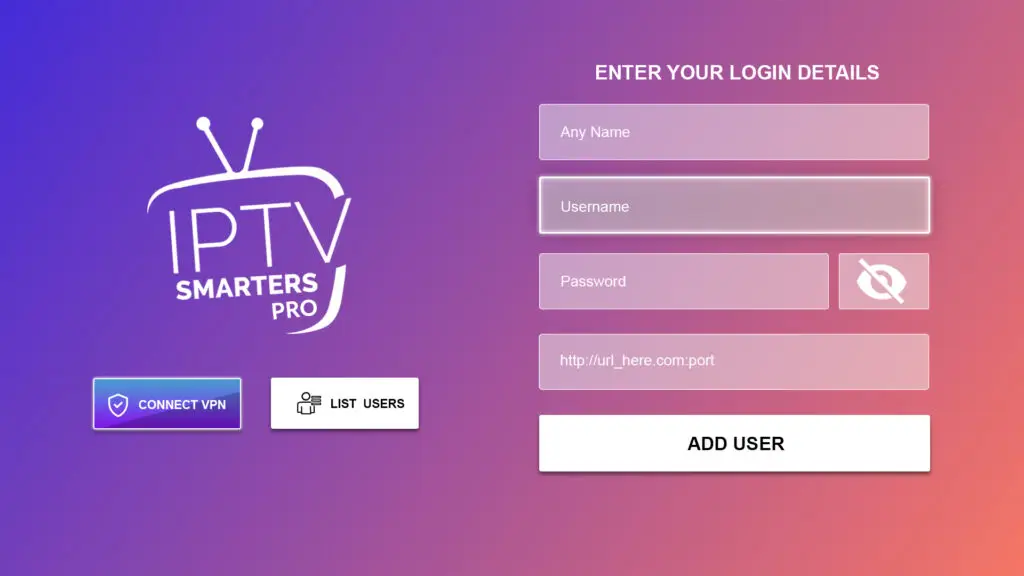
Step 2: Enter “IPTVON” as the Name in the first box. Then in the second, third, and fourth boxes, input the Xtream Codes login credentials (Username, Password and URL(Server address)) provided by us after subscribing. Finally click on “ADD USER“. Get Your Subscription Here.

Entering iptvon login credentials and server URL into the IPTV Smarters Pro application interface.

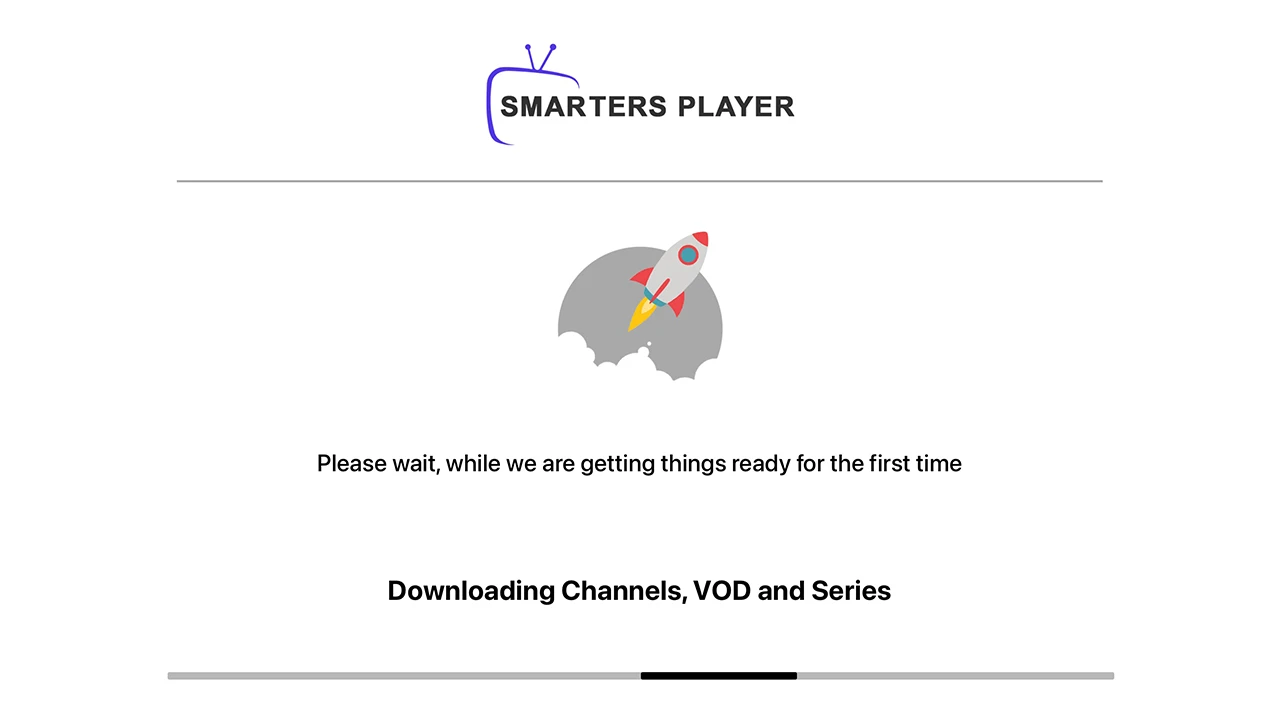
Step 3: Wait some seconds.

Smarters Player app interface downloading channels and VOD content for an iptvon subscription setup.

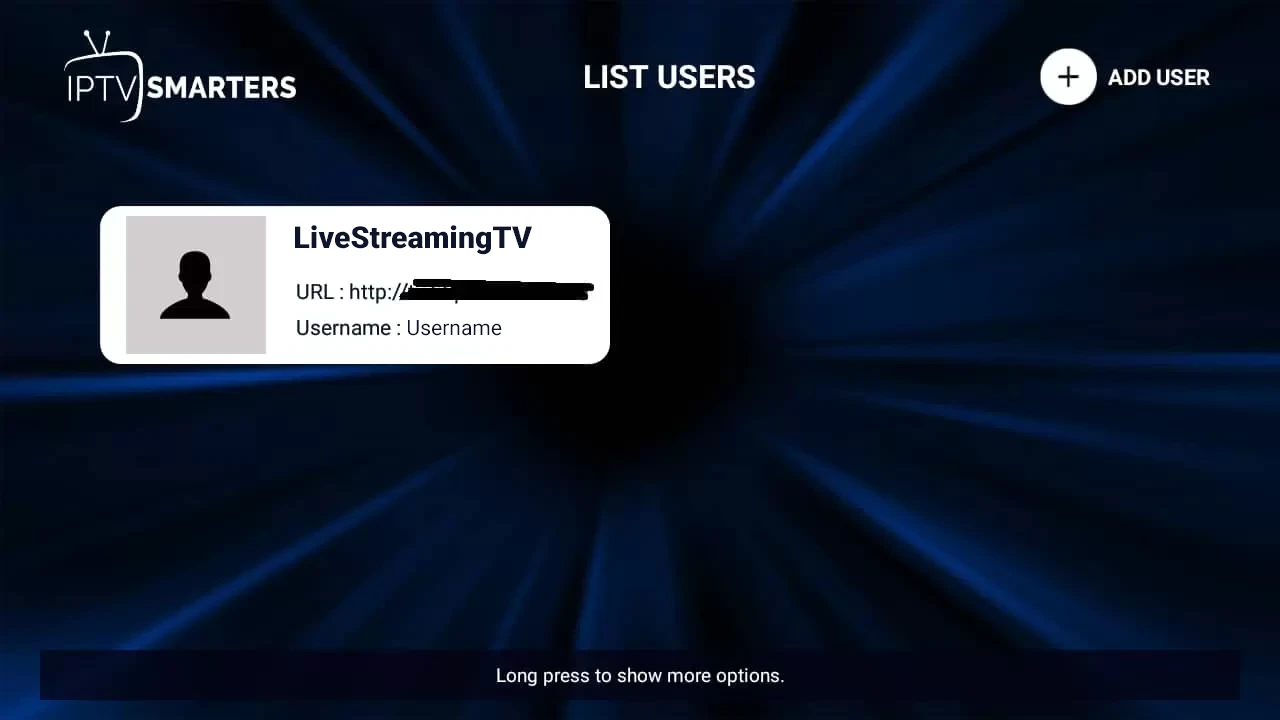
Step 4: Once logged in, access the user list screen and select your newly created profile, as demonstrated in the accompanying images.

User managing a streaming account profile on the IPTV Smarters app dashboard using iptvon credentials.
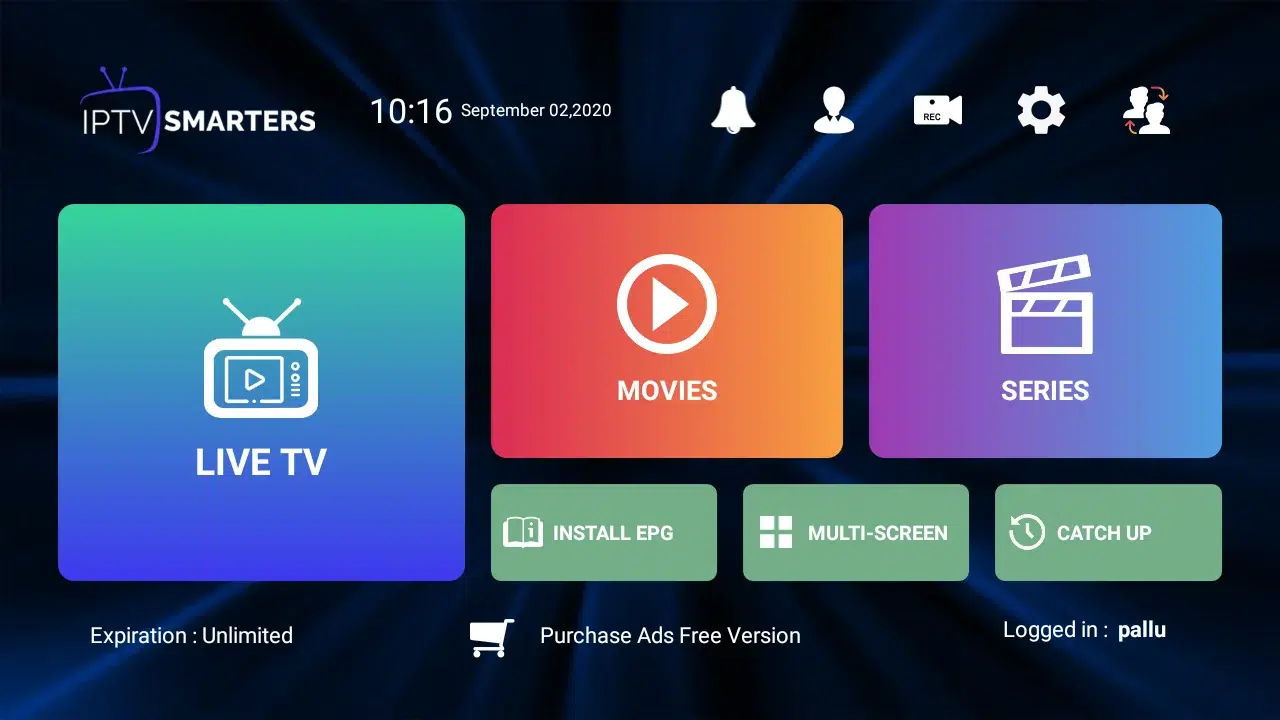
User dashboard for iptvon streaming showing Live TV, Movies, and Series categories for easy navigation.
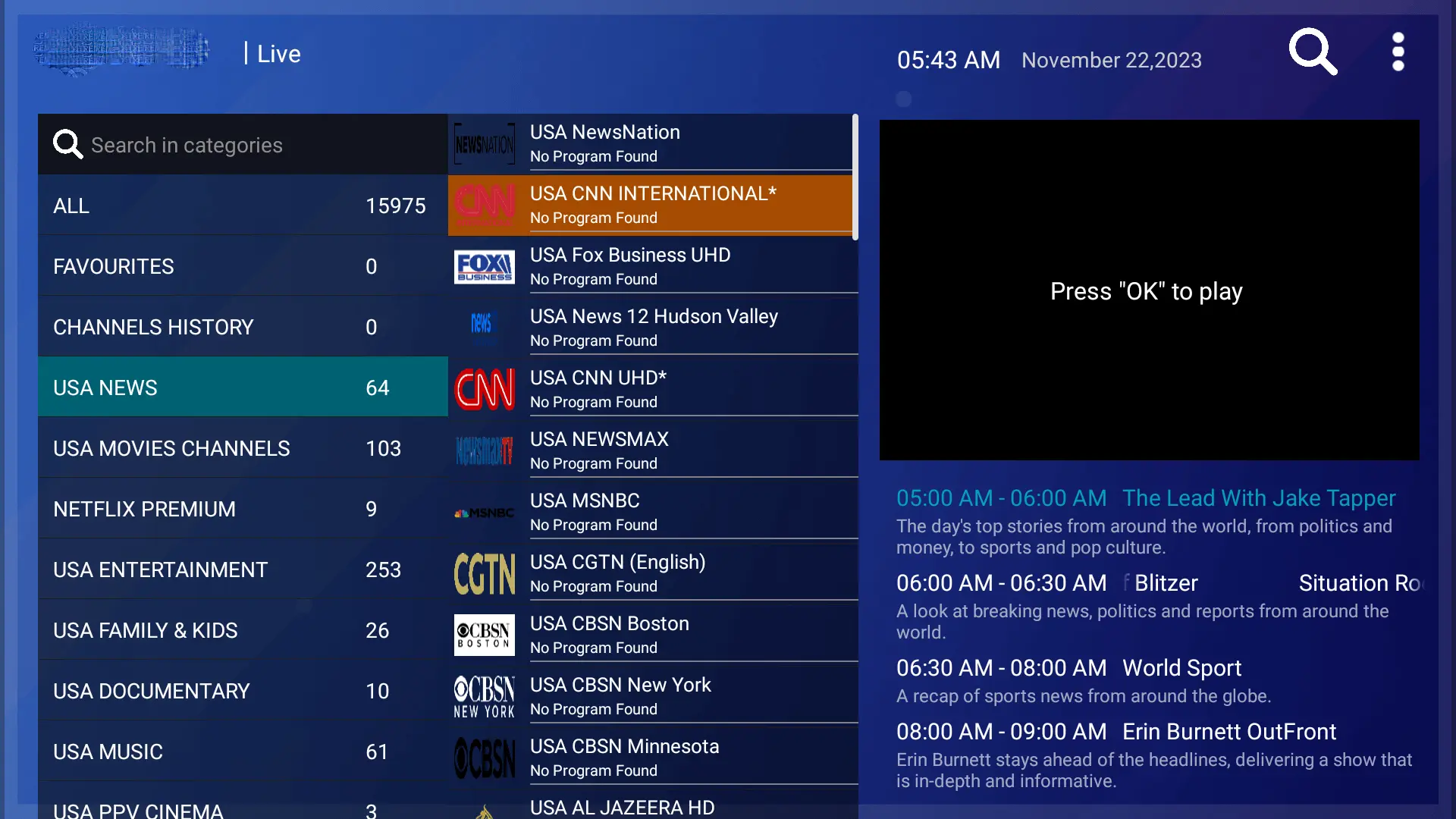
Streaming live USA news and premium international channels using the iptvon digital interface.
Streaming live CNN International breaking news coverage through the iptvon service interface.

Congratulations! You’ve now completed the setup of the IPTV Smarters Pro app for seamless streaming.